

XlitET2 User Manual
Author:Dongguan Enfitnix Technology Co. Ltd.
Click:
Time:2024-08-20 11:54:55
User Manual Rev 1.0
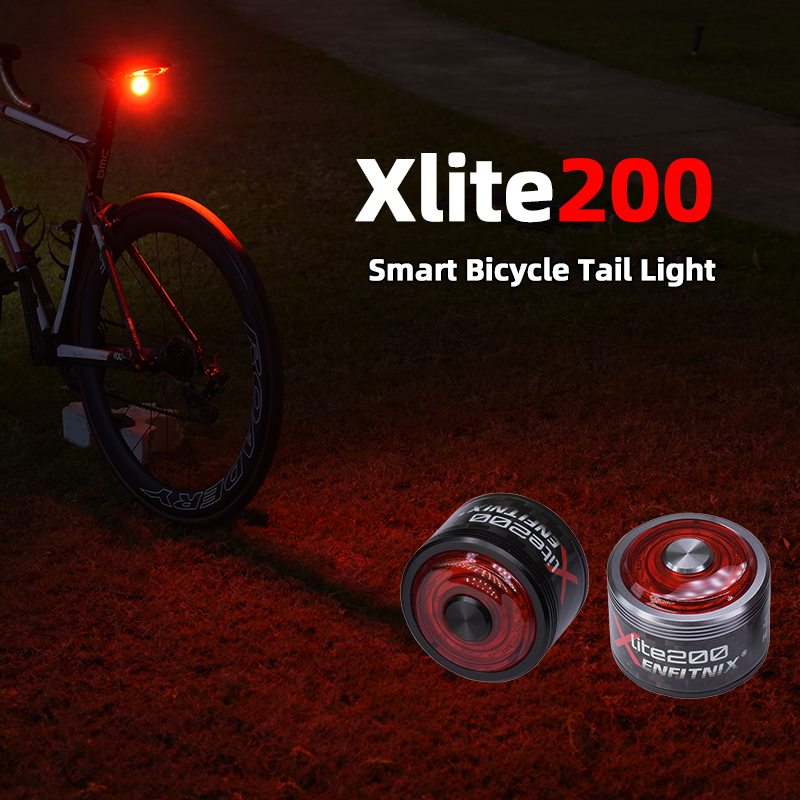
XlitET2 Smart Bicycle Tail Light

© 2024 by Enfitnix Technology Co., Ltd.
1. Product Specifications
Product Name: XlitET2 Smart Bicycle Tail Light
Dimensions: L: 76.7mm W: 23mm D: 21mm
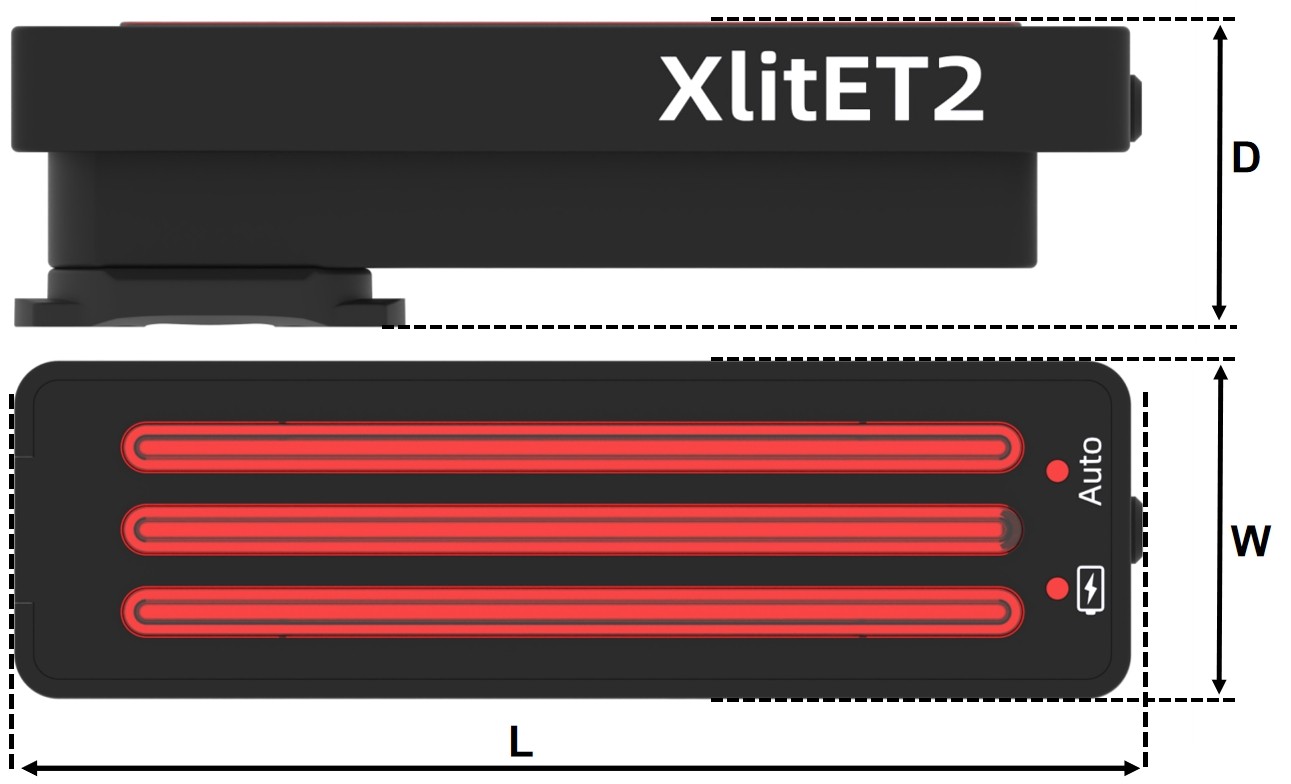
Fig.1
Operation Mode: Auto/Manual
Flash Mode: Five flash modes
Battery: 500mAh rechargeable Lithium-ion battery
Run Time: 6 hrs ~ 41 hrs(without braking)
Weight: 41g(without mounting bracket)
Color: Black
Waterproof: IPx6
Input: DC 5V 0.4A
2. Product Description
① Main light
② Charge indicator
③ Auto mode indicator
④ Function button
⑤ USB port

Fig. 2
3. Accessories
Name | Quantity | |
| XlitET2 | 1 |
| Saddle Mount Bracket | 1 |
| Seatpost Mount Bracket | 1 |
| USB Type-C Cable | 1 |
| Mounting Strap | 2 |
| Zip Ties | 4 |
| User Manual | 1 |
4. Operation and Functionality
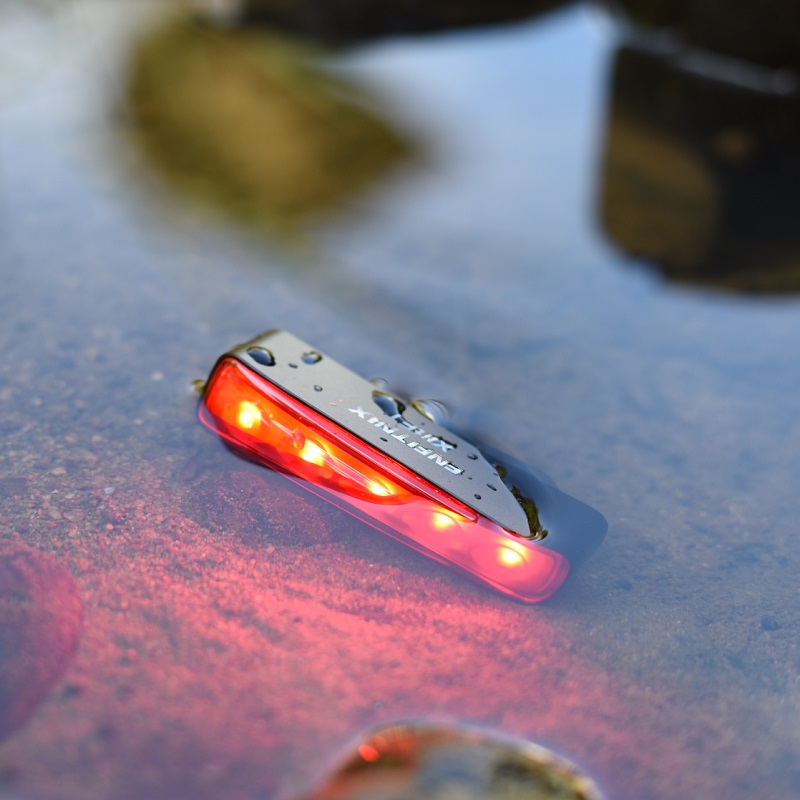
The new XlitET2 is built with a single-piece, 6061 aluminum chassis. The durable chassis is designed to endure any severe environment, and it meets the IPX6 waterproof rating.
The XlitET2 is integrated with a highly sensitive accelerometer, which allows the light to detect if the bike is slowing down. The powerful 32-bit ARM processor ensures quicker response for braking and calls attention to others.
The XlitET2 also inherits two auto features from its product family -- auto-start when motion is detected and auto-switch off if no motion is detected for 10s.
Key Functions
Operation | Function |
Single Click | Change the flash mode or turn on the light |
Double Click | Switch between Auto Mode and Manual Mode |
Press Down > 1s | Switch off* |
*Note: When operating in auto-mode, the light will turn on again if motion is detected.
Auto/Manual Mode
The XlitET2 supports two operation modes which can be changed between the two modes by double clicking the button ④ as shown in Fig. 2.

5. Charge the Battery
Charging the Battery
As shown in Fig. 2, open the rubber seal ⑤ on the back of XlitET2 and charge the battery via the USB connector. Battery will be fully charged in 2-3 hours. The charge indicator ② will turn red while charging is in progress and will turn purple when charging is completed.
6. Installation
Saddle Mount
1. Place the mounting bracket on the seat rails and tighten with the zip ties.
2. Cut excess zip tie length off, if needed ①.
3. Insert the XlitET2 and turn clockwise or counter clockwise until the light is clicked in ②.

Fig. 3
Seatpost Mount
1. Tighten the seatpost mount bracket with the mounting strap ①.
2. Fit the XlitET2 on the seatpost mount bracket ②.
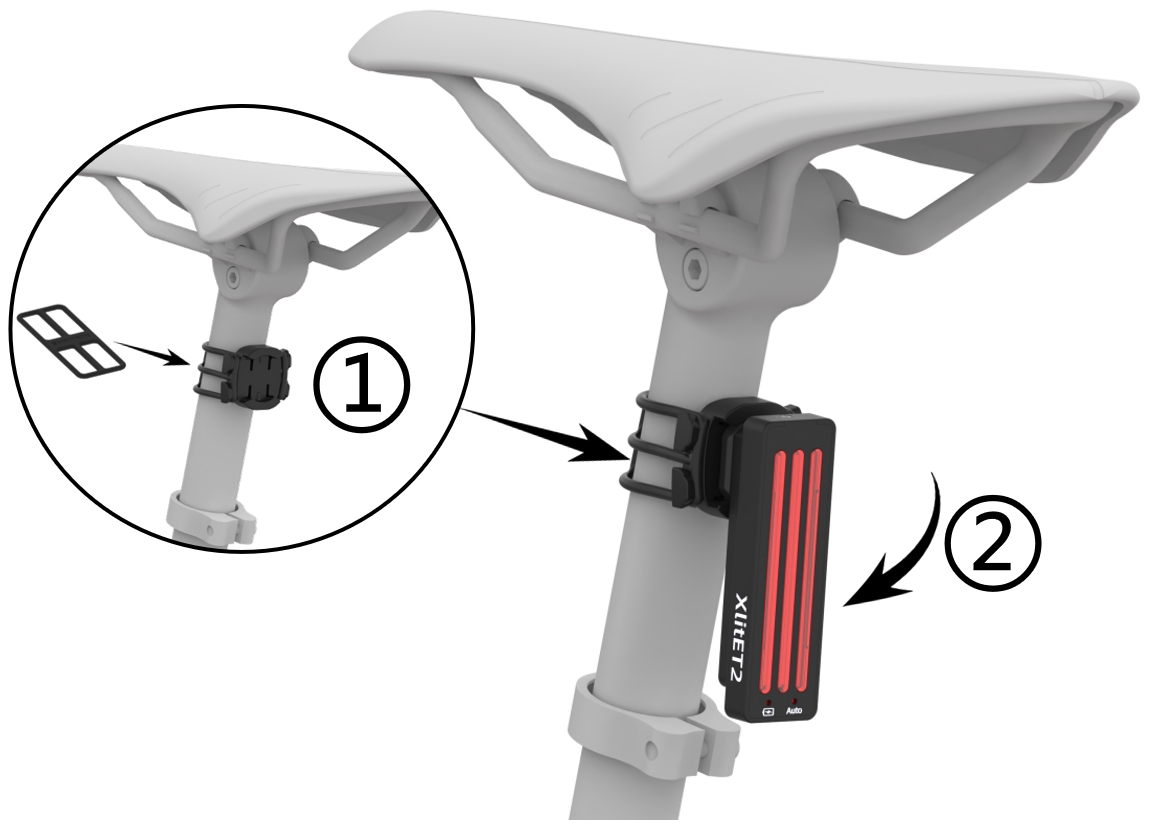
Fig. 4
7. Warranty
The tail light is covered by a one-year warranty.

Customer Service: ecs@enfitnix.com
Dongguan Enfitnix Technology Co., Ltd. (China)
Tel: +86 (0)769 2223 4810
Room 1703, Block F2, No.11, LiaoBuYanHeNan Rd.,SongHuZhiGu Sci&Tech Park, Liao Bu, Dongguan, Guangdong, China, Postcode:523430
Enfitnix Technology North America Inc. (US)
Tel: +1 916 627 9202
4101 Power Inn Road, Suite A, Sacramento CA 95826
© 2024 by Enfitnix Technology.

Tel: +86 (0) 769 22234810 Email: sales@enfitnix.com
Dongguan Enfitnix Technology Co., Ltd.
Address: 1703, Block 2, No.11, LiaoBuYanHeNan Rd.,SongHuZhiGu Sci&Tech Park, Liao Bu, Dongguan, Guangdong, China. Postcode:523000
Enfitnix Technology North America Inc
Address: 4101 Power Inn Road, Suite A, Sacramento CA 95826

点击右上角
分享给朋友吧
Copyright @ Foreign Trade Template Station 2020 Site Map
