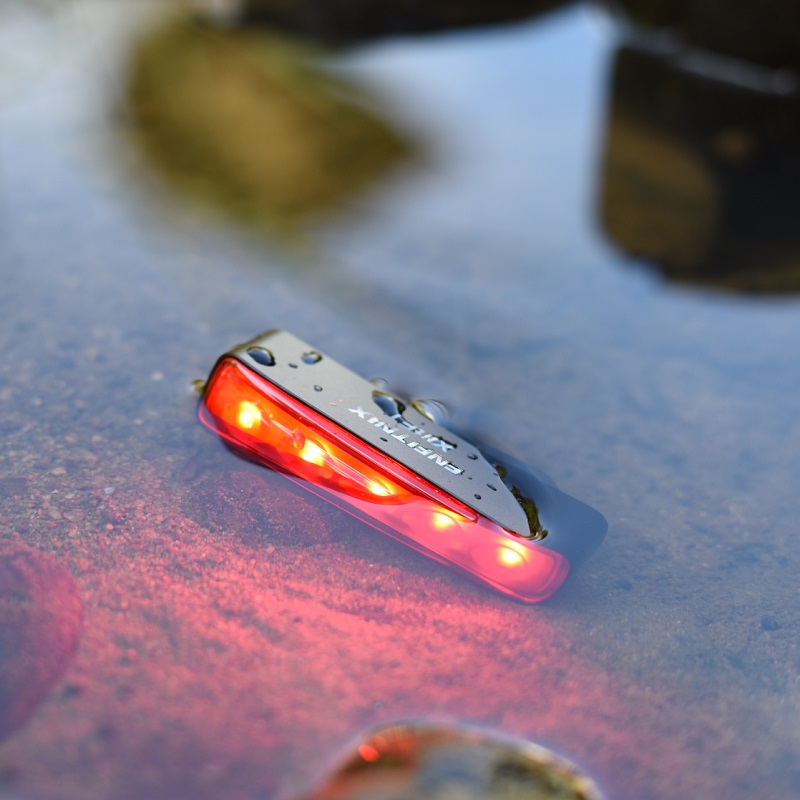
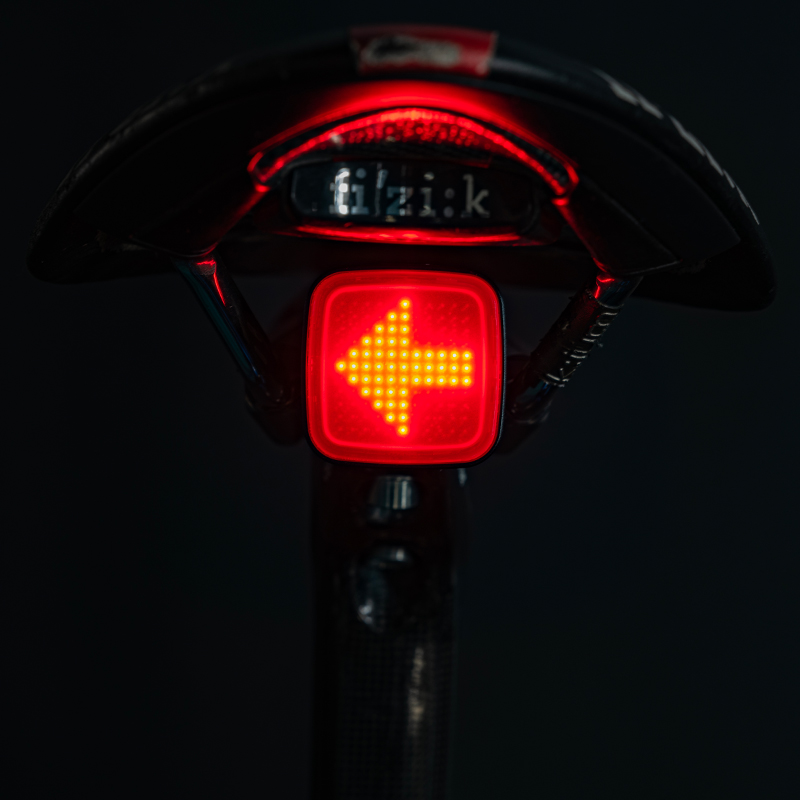

XLiteSR/XLiteSF User Manual
Author:Dongguan Enfitnix Technology Co. Ltd.
Click:
Time:2026-07-28 16:22:12
EN
User Manual Rev .00
XLiteSR/XLiteSF
Smart Skateboard Light

1. Product Specification
Product Name: XLiteSR/XLiteSF Smart Tail Light
Dimensions:

Fig. 1

Fig. 2

Fig. 3
Mode: Flash1, Flash2,Breathe, Constant On
Distance: 200m
Battery: 800mAh rechargeable Lithium-ion battery
Run Time: 7.6~19.7hrs
Weight: 46.5g(Without mounting bracket)
Color: Black
Waterproof: IPx6
2. Accessory

XliteSR or SF Mounting Bracket USB Type C Cable User Manual
Fig. 4
3. Operation and functionality
The new generation of XliteSR/SF have improved it‘s internal structure to better cope with severe working condition of the skateboard.
XLite100SF is skateboard front light. The high power LED deliver pure white light ensure giving good visibility to others.
XLite100SR is a skateboard tail light with brake sensing capability. The integrated accelerometer allow the light to detect if the skateboard is slowing down. Then automatically change from normal mode to the“brake” mode to tell the others that you are slowing down.
Both XLite100SF and XLite100SR support Auto-Start/Stop mode: the light will automatically switch off when there is no motion detect for 10s and the light will turn on when there is any motion is detected.
Function button
The function button is used to change the flash mode or turn on/off the light.
Operation | Function |
Single Click | Change the flash mode |
Double Click* | Switch between Auto and Manual mode |
Press down for more than 1s | Switch off ** |
Note:
*The “AUTO”LED indicator (Fig.1 ①)will start to blink when operate under Auto mode.
**The light will be reactivate in“Auto”mode if motion detected.
Operation and Function are Described as below :

Fig. 5
Note:
1) Only the bottom can turn off the light when operating under“Manual”mode.
2) XLite100SF does not have the“brake”sensing function.
4. Installation
Step1:Tighten the mounting brackets with the nuts on the trunk of the skateboard.

Fig. 6
Step2:Slide the light to the mounting brackets.

Fig. 7
5. Charge the battery
When XLiteSR/XLiteSF running at low battery, the Battery Low indicator(②RED as in Fig.2) will start to blnk. Please charge the battery via the USB connector(④ as in Fig.3) as soon possible. The battery will be fully charged in about 2~3 hours.
6. Warranty
The tail light is covered by a one year warranty.
Please contact the reseller or Enfitnix Customer Service in case of any quality issues:
Tel: +86 (0)769-2223 4810
Email: ecs@enfitnix.com

DongGuan Enfitnix Technology Co., Ltd.
Please Note:Specification are subject to change without notices.
© 2023 by Enfitnix Technology Co., Ltd.

Tel: +86 (0) 769 22234810 Email: sales@enfitnix.com
Dongguan Enfitnix Technology Co., Ltd.
Address: 1703, Block 2, No.11, LiaoBuYanHeNan Rd.,SongHuZhiGu Sci&Tech Park, Liao Bu, Dongguan, Guangdong, China. Postcode:523000
Enfitnix Technology North America Inc
Address: 4101 Power Inn Road, Suite A, Sacramento CA 95826

点击右上角
分享给朋友吧
Copyright @ Foreign Trade Template Station 2020 Site Map
