


How to disable the brake senser
作者:东莞市英豪智能科技有限公司
浏览:
发表时间:2023-03-01 10:08:09
Instruction to disable the Brake sensor for Enfitnix tail light
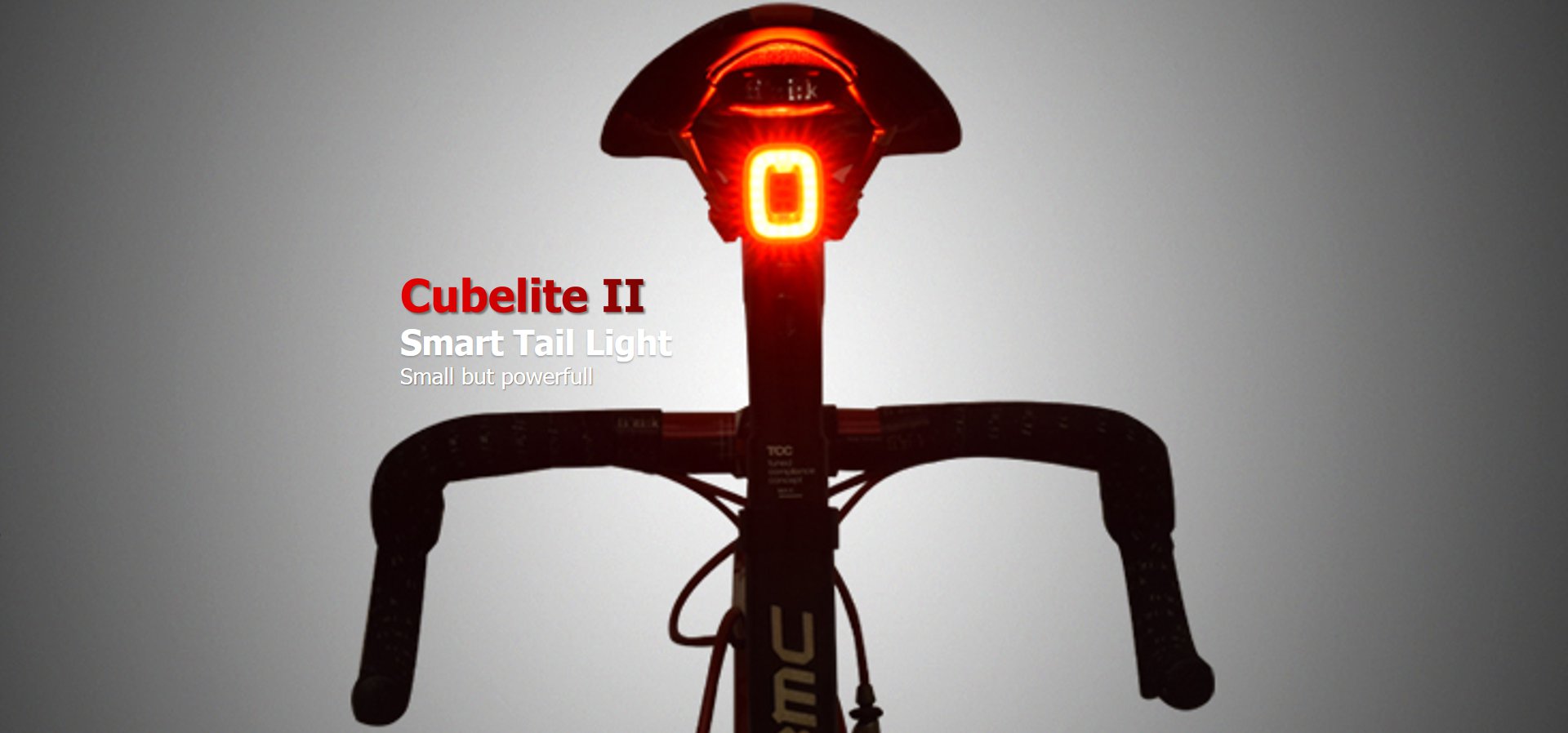
(For CubeliteII,CubeliteIII,XliteET only production data after Jan 2023)
Step1: Turn on the light in manual mode
Step2: Leave the tail light on the desk vetically for longer than 5second as below. Make sure there is no movement or vibration at all.

Step3: Double click the button(so the light should work in Auto mode). The brake sensing should be disabled.
Step4: Put the light back on the bike and test if there is brake sensing. If not, retry Step1~3.
If the brake function is disable you can now double click to exit the Auto mode if need.
To turn the brake sensor back on , press the button for over 6sec to reset the light. So, the brake sensor should be able to turn on again.

